What is Nano Banana 2.1?
Nano Banana 2.1 is an AI model for image generation and conversational image editing. It combines text and visual references with up to 4K output, local editing, text rendering, and subject consistency across revisions. Explore its capabilities, creative directions, and practical prompt ideas here.
What improves in Nano Banana 2.1 over previous versions?
The main advances are better visual design, mask-based editing, subject consistency, and more natural-looking images. Version 2.1 also improves prompt adherence, text and infographic layout, and extreme-aspect-ratio rendering at 2K and 4K. High-resolution output and multi-image references remain part of the wider feature set; they are not all first introduced in 2.1.
Which resolutions and aspect ratios are supported?
Nano Banana 2.1 supports 1K, 2K, and 4K output, with 1K as the default. Formats include square, portrait, landscape, and extreme ratios such as 1:8 and 8:1. Choose a resolution for the detail you need and a ratio for the image’s destination. Version 2.1 addresses tiling artifacts in 1:4, 4:1, 1:8, and 8:1 images at 2K and 4K.
What kinds of images can I explore?
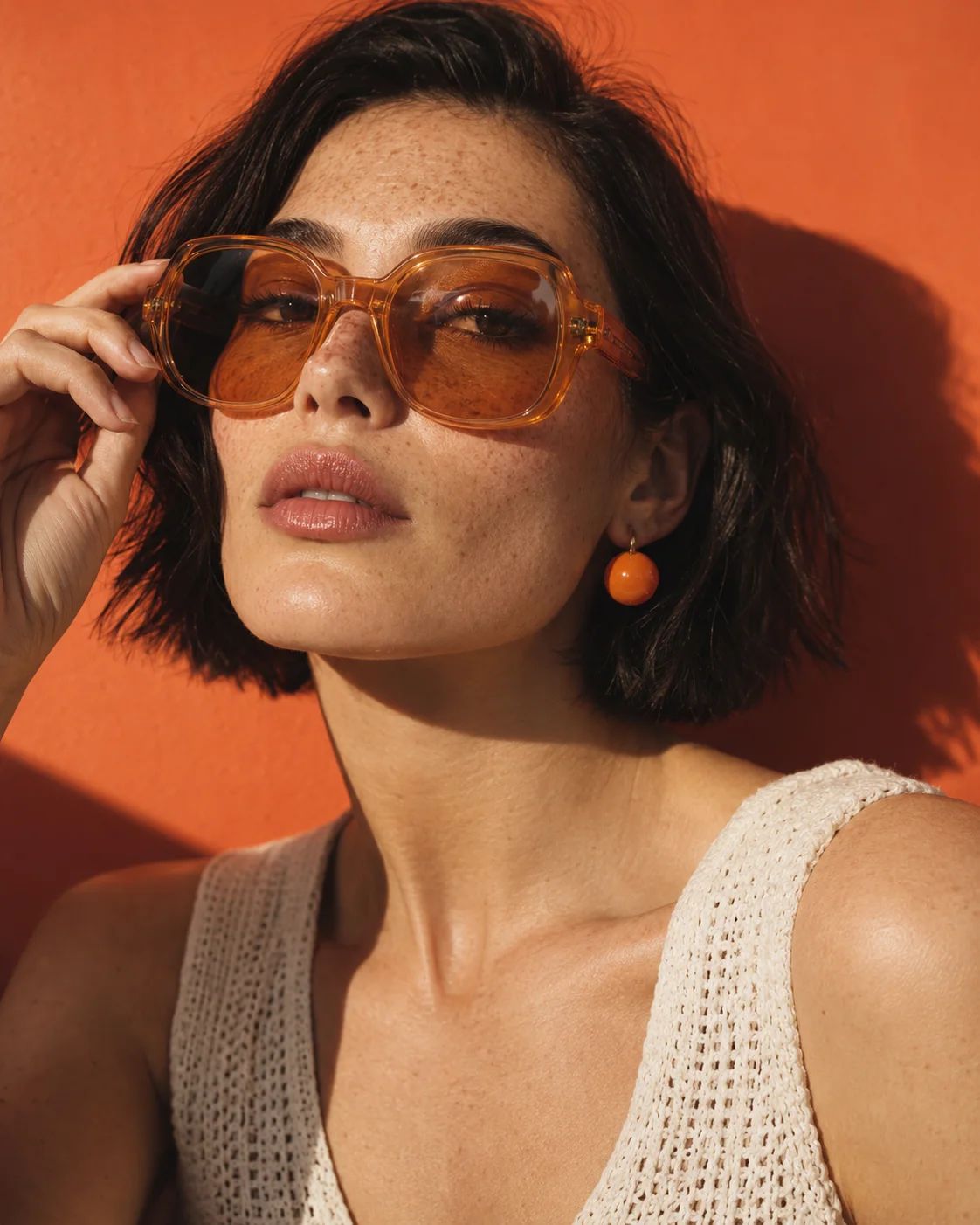
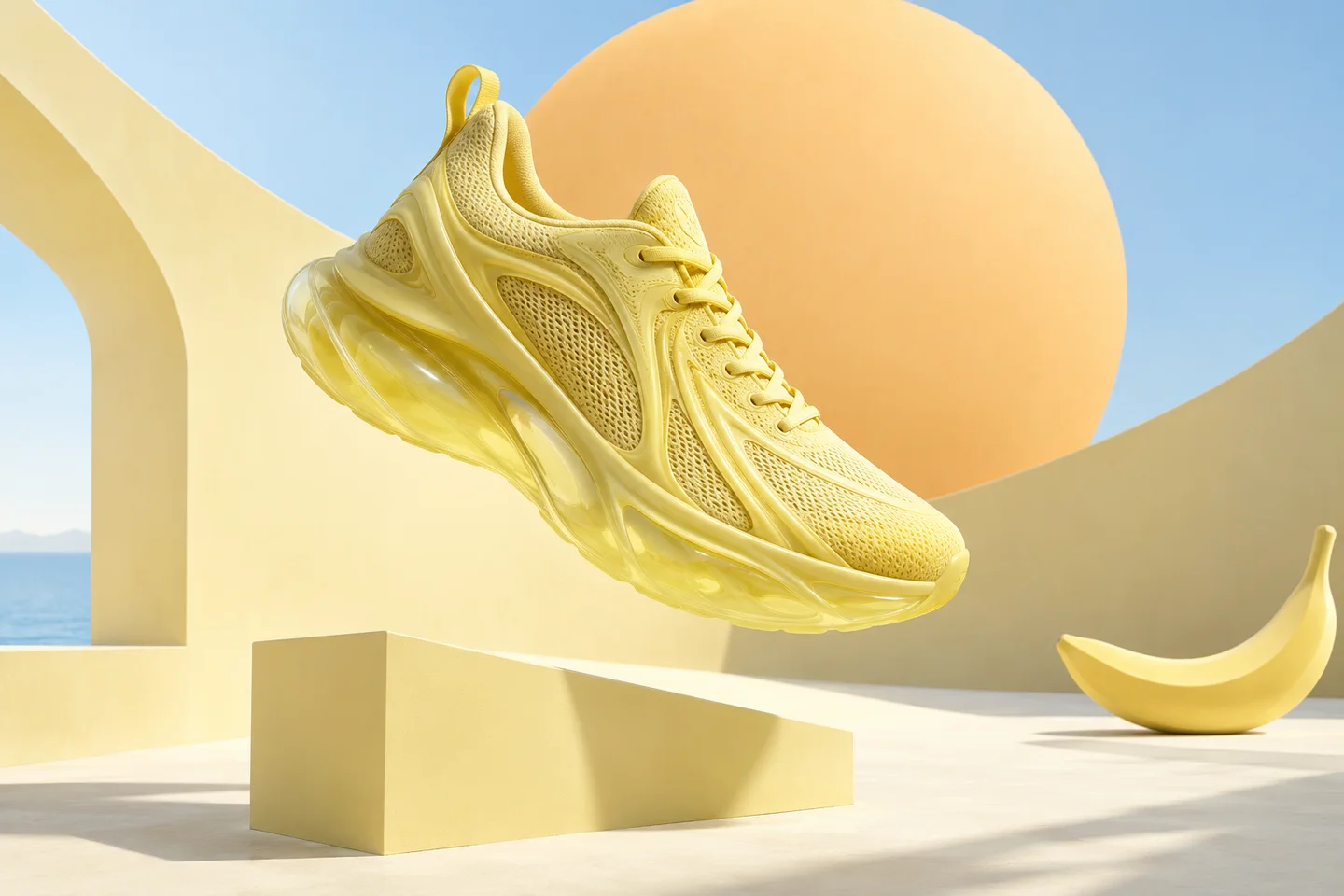
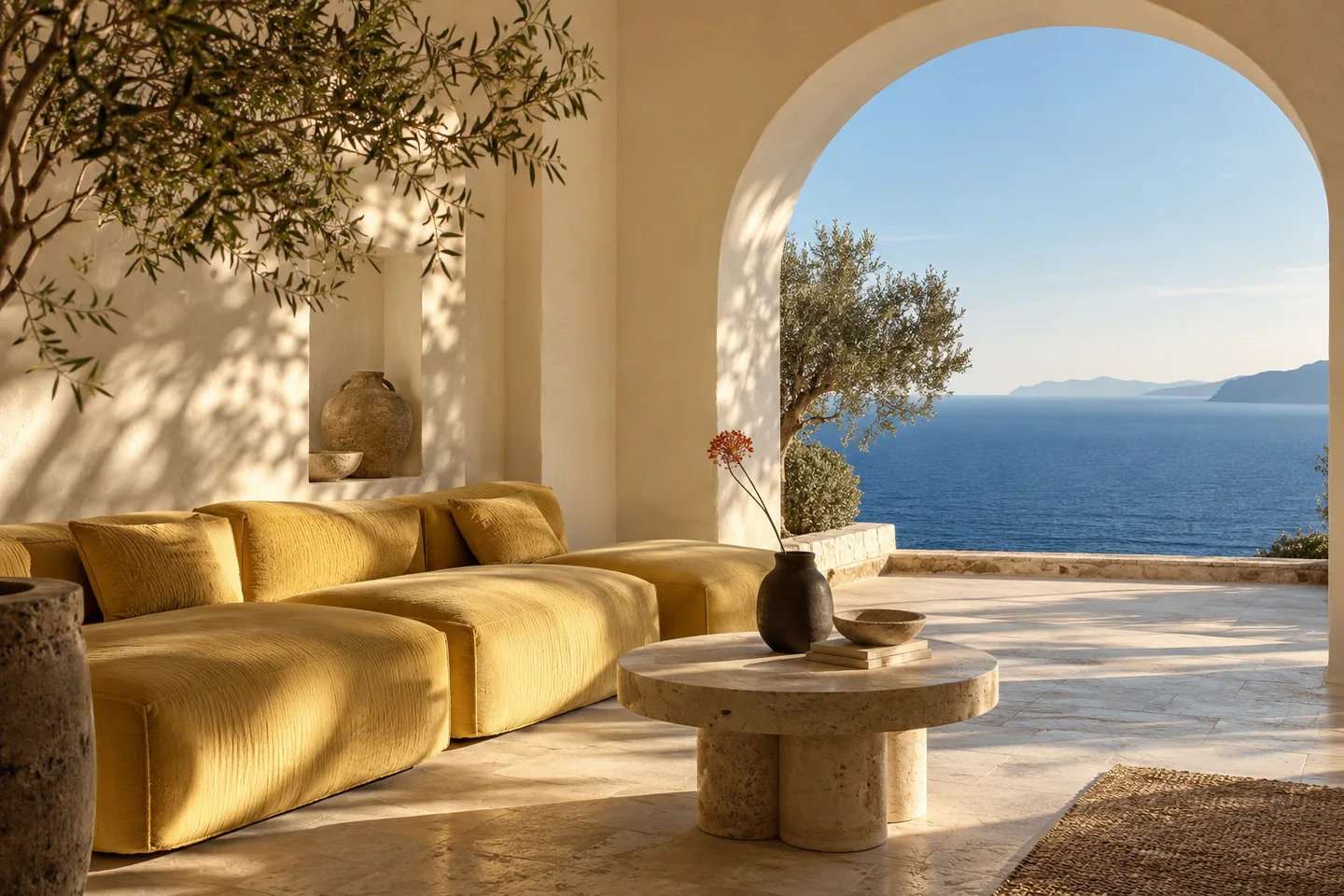
Useful starting points include product campaign concepts, editorial portraits, interior scenes, posters, and visual storytelling. Think about where the image will live before writing the brief. A cover image, a product close-up, and an atmospheric background need different framing, detail, and negative space.
How should I write a text-to-image prompt?
Lead with the subject, then add the setting, composition, light, and style. Be specific about details that matter and leave room for the rest. Instead of “make it amazing”, describe soft side lighting, a muted palette, or a close crop. The inspiration gallery includes three prompts you can copy and adapt.
How many reference images can I use?
The model supports up to 14 reference images, with character consistency for up to 4 characters and fidelity for up to 10 objects. References can communicate a face, silhouette, material, or atmosphere. Explain what each image contributes and which features should stay recognisable as the scene changes.
How does mask-based editing differ from a whole-image revision?
A local edit identifies a particular area to change, such as an object or background, and specifies what to preserve around it. A whole-image revision can reshape the broader style or composition. Use precise region and preservation instructions for focused edits, then review the result before the next conversational refinement.
How can I create a stronger poster or cover?
Start with a short headline, a clear reading order, and enough space for the text. Describe whether the typography should feel restrained, playful, or editorial, and provide the exact words in quotation marks. Check every character and the final crop at the size your audience will actually see.
What is the best way to use the inspiration gallery?
Select a category, open a creative brief, and copy the prompt. Replace the subject, palette, or setting with details from your own idea. The images are concept artwork for creative direction; use the briefs as starting points rather than an expectation of an identical result.

 Creative conceptA quieter kind of extraordinary.